-
Edu4Sure Admin
- April 20, 2022
We have heard a lot about MS Office 365. Today, we are going to discuss it. So, do you know MS Office 365?
Suppose you are in college and you only have three subjects to study. Now, you, being the studious classmate, are always on schedule. Also, always have your notes, assignments and projects ready.
But you are not alone. As the rest of the students always look at your bag so that they can steal your notes. Typical college scenario.
You are tired of hiding your three registers again and again. Moreover, in the past, one of your registers was stolen. So, only you know the pain it took to retrieve it.
So, how about a solution for this? Do one thing. Instead of three small registers, take one big register and divide it into three parts. Done? Now purchase a mini lock for your bag. Done that too? Good job, now everything is under your control.
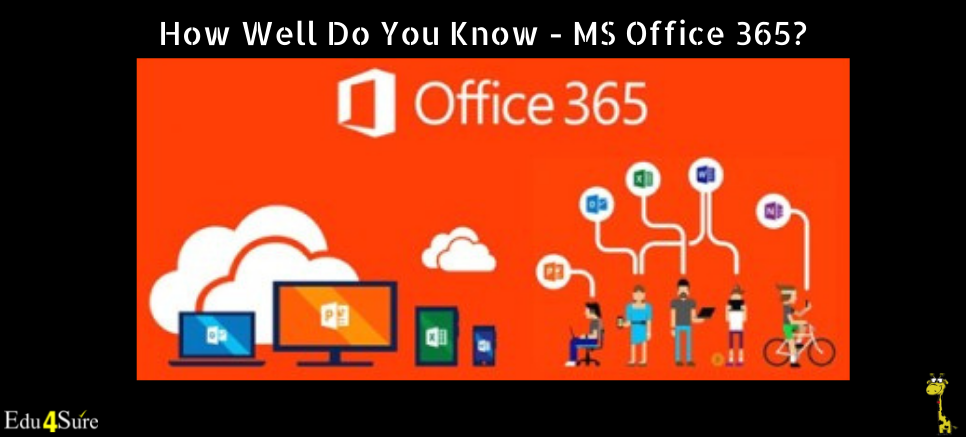
Basically, this is what Office 365 actually is. Furthermore, you don’t have to use three Microsoft apps separately. You get all the tools you want in one collaborative space. Also, unlike the lock, you have full security here.
This was just a brief. So, let’s throw some more light on why everyone should learn it.
Reasons to take MS Office 365
1. Added benefits
You already know your way around the regular Microsoft tools. The convenience of working on these platforms is not new to you. Switching to 365 enhances that big time. Editor in a Word document, formulas in Excel, templates in PowerPoint, and many more options to upgrade your work.
2. One-time investment
Once purchased the 365 licenses, you do not have to worry about any other purchases. You get all you want in 365. From work tools to communication and security. The software comes with a built-in auto-update that takes place at regular intervals. Saves you the hassle of upgrading again and again manually.
3. Communication
Enhancement of regular Microsoft tools might be the main highlight of 365. But with that, you get access to Skype, teams, and Yammer. From business meetings to calls and company official messages. All are taken care of by this one platform. Communicate better than ever with Office 365.
4. Cloud save
When I am finished with this article, I will have to save it manually. Also, it will be in the files and not in the cloud. So, any system damage caused will result in work loss.
But Office 365 covers that too. With access to the cloud, files get automatically saved and backed up. So this time, if you spill coffee over your laptop a late-night, do not worry about the files. They will not go anywhere. But you might want to get a new laptop.
5. Security
Features like two-factor authentication ensure total security. No outsider will be able to access the files. This feature is especially useful for companies with confidential data. You can work from anywhere with full security.
Where to learn from (Mainly MS Word, MS Excel & MS PowerPoint 365)
Technological developments have made everything easy to learn. MS Office 365 is no different.
Various educational platforms offer paid or free courses related to Office 365. With the help of YouTube, you can watch more than hundreds of free videos. They can cover every aspect of the topic in detail. Edu4Sure also provides a complete MS Office course, which is a Self-paced online course with a certificate.
Learning cannot get any easier than this. All you need now is the will to learn and access a good internet connection.
So, now if someone asks you how well you know it, you will not be blank and stare into the unknown. Rather, you will have quite a good understanding of it.
FAQ: MS Office 365
Q1. What exactly does MS Office 365 include?
A1. MS Office 365 (now Microsoft 365) includes apps like Word, Excel, PowerPoint, Outlook, Teams, and OneDrive, all integrated into a single, cloud-connected platform for seamless work and collaboration.
Q2. How is Office 365 different from regular Microsoft Office?
A2. Unlike the traditional Office suite, Office 365 runs on a subscription model, offers cloud storage, automatic updates, and allows real-time collaboration across multiple devices.
Q3. Can Office 365 help students manage their work better?
A3. Absolutely. Students can store assignments on the cloud, access them from anywhere, and use tools like Word and PowerPoint for notes, reports, and presentations, all synced automatically.
Q4. Is Office 365 suitable for businesses?
A4. Yes, it’s designed for professional environments. Businesses use it for secure communication through Teams, data management via Excel, and shared document collaboration in real time.
Q5. Do I need the internet to use Office 365 apps?
A5. Not always. You can use apps offline, and your work will sync automatically when you reconnect to the internet through OneDrive.
Q6. How secure is MS Office 365 for storing sensitive data?
A6. It’s highly secure, with features like two-factor authentication and encrypted cloud storage to keep your files protected from unauthorised access.
Q7. Does Office 365 automatically back up my files?
A7. Yes, files saved to OneDrive are backed up in real time, preventing data loss even if your device gets damaged or lost.
Q8. Can I use Office 365 on multiple devices?
A8. Yes, a single subscription lets you install it on PCs, laptops, tablets, and smartphones, allowing you to switch devices effortlessly.
Q9. Is it worth paying for Office 365 when free tools are available?
A9. Free tools work for basic needs, but paid one provides professional-grade reliability, security, cloud storage, and productivity tools that free versions can’t match.
Q10. Where can I get proper training to master MS Office 365 tools?
A10. You can enroll in Edu4Sure’s hands-on training sessions that cover MS Word, Excel, and PowerPoint 365 in detail, designed for both students and working professionals looking to upgrade their skills. We also have a detailed article on Interview preparation related to MS Excel.
Want to take training in MS Word, PowerPoint or Excel 365? Connect with us at partner@edu4sure.com or +91-9555115533.
